When that dreaded 4C error pops up on your Samsung washer's display, it's the machine's way of telling you it has a water supply problem. In simple terms, it's not filling up with water correctly. But don't panic—this is one of the most common and often easiest issues to fix yourself. Usually, the culprits are simple things like a kinked hose, a tap that isn't turned on, or a clogged filter screen.
Demystifying the 4C Error Code

Seeing "4C" flash on your Samsung washer can be annoying, but it’s a very direct message. All it means is that after a few minutes, the machine's sensors noticed the tub hasn't filled with enough water to start the wash cycle. This is actually a smart safety feature that stops the washer from trying to run dry, which could cause serious damage to both the appliance and your clothes.
Across North America, the 4C error is one of the most frequent issues we see. In our experience, water supply problems are behind roughly 60% of all error code service calls. This is often because the small inlet filters get clogged up with sediment and mineral deposits, which are pretty common in the municipal water systems here in Canada.
This error rarely points to a major mechanical breakdown. Instead, think of it as a blockage somewhere between your home's pipes and the washer tub. The most likely suspects are:
- Closed Water Taps: The hot and cold water valves behind your washer might have been bumped or not fully opened.
- Kinked or Bent Hoses: If the machine gets pushed too far back against the wall, the water inlet hoses can easily get pinched.
- Clogged Inlet Filters: Tiny mesh screens right where the hoses connect to the washer can get blocked with debris over time.
Think of the 4C code as your washer saying, "I'm thirsty, but I can't get a drink!" Finding and clearing that blockage is your first step.
Knowing what to do when your washing machine malfunctions can save you a lot of time and a potential service call. By checking these few simple things first, you can often get the 4C error cleared in just a few minutes without any special tools.
To help you get started, here’s a quick rundown of the most common causes and where to look first.
Quick Guide to Common 4C Error Causes
| Potential Cause | What to Check First | Difficulty Level |
|---|---|---|
| No Water Supply | Ensure both hot and cold water taps behind the washer are fully open. | Easy |
| Kinked Hoses | Pull the washer out from the wall and straighten any bends in the inlet hoses. | Easy |
| Clogged Inlet Filters | Unscrew the hoses from the back of the washer and clean the small mesh screens. | Easy |
| Low Water Pressure | Disconnect the hoses and check the water flow from the taps directly. | Moderate |
This table covers the most frequent culprits we see in the field. By methodically working through these checkpoints, you’ll likely find the source of the problem and get your laundry day back on track.
Simple Checks to Rule Out Obvious Issues

Before you start pulling out tools, let's walk through a few simple checks. More often than you’d think, the 4C on a Samsung washer is caused by something incredibly basic. A quick five-minute look can save you a ton of hassle by knocking out the most common culprits right away.
The first place to look is also the easiest to forget: the water taps. Behind your washer, you'll see two valves coming out of the wall, one for hot and one for cold. Make sure both are turned fully counter-clockwise, which is the "on" position. It's surprisingly common for them to get bumped or not fully opened after some plumbing work.
Inspect Your Water Hoses
Next, you’ll need to gently slide your washer away from the wall so you can get a good look at the water inlet hoses. These are the two lines, usually one red and one blue, connecting the wall taps to the back of your machine.
Look for any sharp bends, kinks, or twists. A hose that's been squashed flat against the wall will choke off the water supply just as much as a closed tap. The hoses should have a nice, gentle curve with no signs of damage or cracking.
A kinked hose is like a bent straw—it doesn't matter how much water is available if it can't get through the blockage. Straightening it out is often an instant fix for the 4C error.
While you're back there, it's a good time for a quick water pressure check. Just turn off the taps, pop the end of a hose into a bucket, and turn the tap back on for a second. You want to see a strong, steady stream. If you get a weak trickle, you might be dealing with a bigger plumbing issue that goes beyond the washer itself.
Sometimes, problems with water flow can also be linked to drainage issues. If these quick checks don't solve it, you can learn more about why a washing machine is not draining or spinning in our detailed guide.
How to Clean Your Washer's Water Inlet Filters
Okay, so you've checked the taps are on and the hoses aren't kinked. Good. Now, let's get to the most common culprit behind that pesky 4C on a Samsung washer: clogged water inlet filters.
Think of these little mesh screens as bodyguards for your machine. They stop sand, sediment, and other gunk from getting into the sensitive internal parts. But over time, they can get so blocked up that they stop the water itself. The good news? This is a straightforward fix that solves the problem more than 70% of the time. All you'll need is a bucket or a towel, a pair of needle-nose pliers, and an old toothbrush.
Getting Your Washer Ready
First things first: safety. Go ahead and unplug your Samsung washer completely from the wall. You never want to work on an appliance with live power.
Next, find the hot and cold water taps behind the machine and turn them clockwise until they're fully shut. This stops the water supply so you don't get a surprise shower. Slide your towel or bucket underneath the hose connections to catch any water that’s still in the lines.
Always unplug the machine and turn off the water before starting. This simple two-step check prevents electrical shock and water damage, turning a quick fix into a safe one.
Finding and Cleaning the Filters
With your machine prepped, it's time to disconnect the hoses. Use your hands or pliers to unscrew the hot and cold water hoses from the back of the washer. Just remember the old saying: "righty-tighty, lefty-loosey"—so turn them counter-clockwise to get them off.
Once the hoses are disconnected, look inside the connection ports on the washer. You'll see the small, round mesh filters sitting right there. They might be blue, white, or red, depending on your model.
Grab your needle-nose pliers and gently grip the edge of one of the filters. Pull it straight out. They can be a bit stubborn sometimes, so a little wiggling motion usually does the trick.
You'll probably see exactly what's been causing the 4C error—a screen covered in debris. Take it over to the sink and scrub it clean under cool running water with your old toothbrush until the mesh is totally clear. Do the same for the second filter.
Once both filters are sparkling clean, just push them back into their ports until they sit flush. Reconnect the water hoses, getting them hand-tight before giving them one last small turn with your pliers to make sure they're snug. Keeping up with this, much like the steps for cleaning a Whirlpool washing machine, is a great way to prevent future errors.
All that's left is to turn the water back on, plug the washer in, and run a quick test cycle to make sure the 4C error is gone for good.
Beyond the Basics: Water Pressure and Detergent Problems
So, you’ve cleaned the filters and made sure the hoses are straight, but that frustrating 4C error is still flashing on your Samsung washer. What now? It’s time to look beyond the machine itself. Sometimes, the real culprit is hiding in your home’s plumbing or even in your laundry soap.
Your Samsung washer is a bit like Goldilocks—it needs the water pressure to be just right. It’s designed to work best with pressure between 20 and 120 pounds per square inch (psi). If your home's water pressure dips too low, the machine simply can't fill up fast enough within its programmed time limit. This triggers the 4C code, even when there are no clogs. You might notice this more if someone starts a shower or runs the dishwasher while a laundry cycle is running.
The Suds Situation: Your Detergent Choice Matters
Here’s another one that catches a lot of people by surprise: your laundry detergent. Modern high-efficiency (HE) washers are incredibly water-smart, but they absolutely must be paired with HE detergent. If you use regular soap—or even just a little too much of the HE kind—you can end up with a machine full of excessive suds. Your washer's sensors aren't smart enough to tell the difference between a mountain of foam and actual water, so they mistakenly think the tub is full and throw a fill error.
This simple infographic is a great reminder of the first and most important maintenance task before you start worrying about pressure or suds.
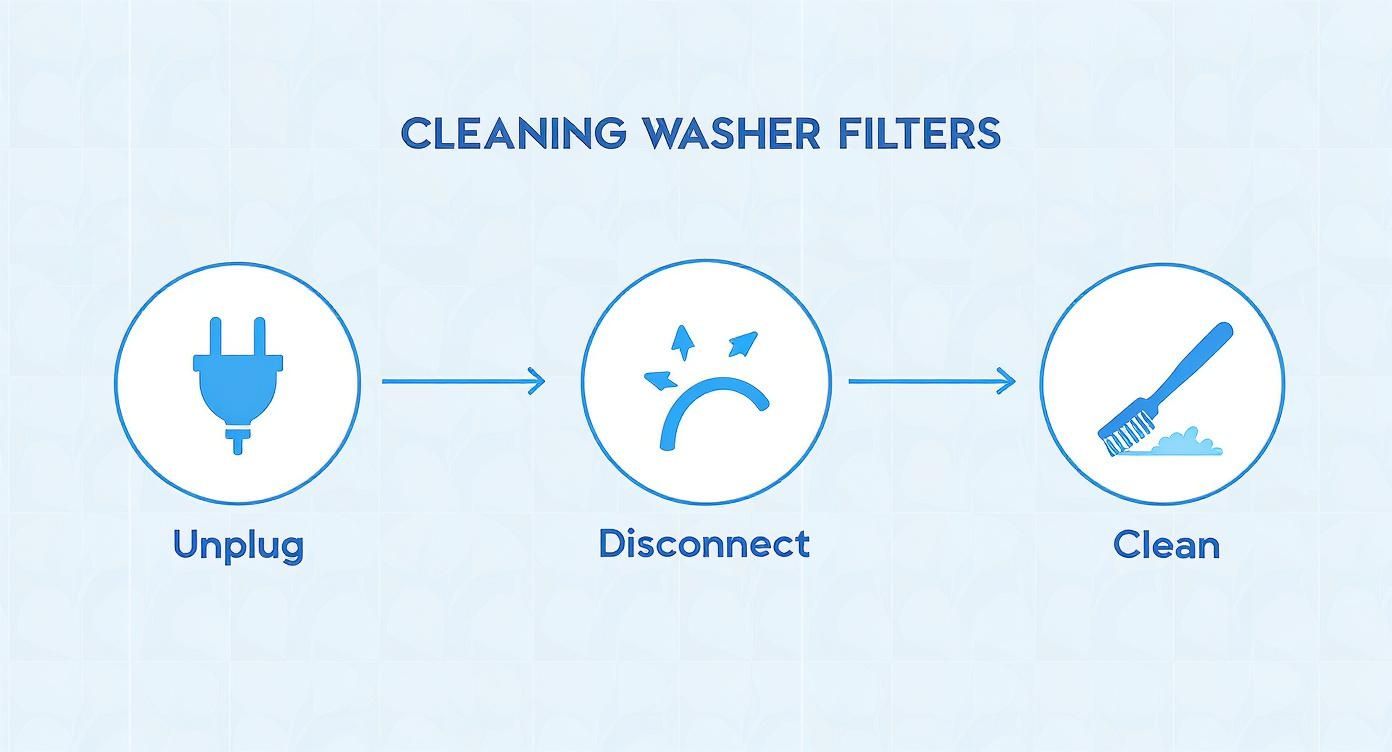
This quick clean—unplugging, disconnecting, and scrubbing the filter screens—is your first line of defence and solves more water supply issues than you’d think.
And this isn't just a hunch. We see it in the field all the time. Technical data from Canadian service centres shows that water supply errors, like the 4C code, account for a whopping 25-30% of all reported Samsung washer faults. Even more telling? Homes that stick with non-HE detergent run into these errors about 2.5 times more often than those using the right stuff.
Key Takeaway: The 4C error isn't always a sign of a broken part. Think of it as your washer telling you it's not getting what it needs from its environment—either enough water pressure or the right kind of soap.
Making the switch to an HE detergent is non-negotiable for keeping your machine healthy. You can learn more about high-efficiency appliances and see why they need special treatment in our guide. Getting these external factors sorted will often clear the 4C error for good and help your washer run better for years to come.
Knowing When It’s Time to Call a Professional
Most of the time, the 4C on a Samsung washer is something you can sort out with the simple checks we've already covered. But what happens when you’ve done it all—cleaned the filters, straightened the hoses, confirmed the water pressure—and that error just won’t go away?
When the code stubbornly persists, it's a clear signal the problem is hiding deeper inside the machine. Ignoring it can turn a small headache into a much bigger, more expensive one.
Signs of a Deeper Problem
There are a few red flags that scream "internal issue." If you notice any of these, it's probably time to put down the tools and pick up the phone:
- No Water Flow at All: The taps are on, but not a single drop is entering the drum. This often means the water inlet valve has given up.
- Strange Noises During the Fill Cycle: Instead of the gentle sound of water, you hear an unusual buzzing, humming, or clicking. That’s usually a sign of an electrical or mechanical fault at work.
- The Error Code Returns Immediately: You clear the 4C error, start a new cycle, and bam—it’s back instantly. This could point to a faulty main control board or a pressure sensor that's failing.
These symptoms are often traced back to a failed water inlet valve assembly or even the main control board. Trying to replace these parts without the right training is risky. It's easy to cause more damage, potentially turning a straightforward repair into a full-blown replacement.
When you’ve hit the end of your troubleshooting rope, calling in a pro is the safest and most efficient choice. For more help deciding, check out our guide on when to call an appliance repair technician.
Got Questions About the Samsung 4C Error?
Even after you've fixed the 4C error on your Samsung washer, a few questions might still be floating around. Getting the right answers not only helps you prevent the problem from popping up again but also makes you more confident in handling your own appliance maintenance. Let's tackle some of the most common things we get asked by homeowners.
Is There a Difference Between 4C and 4E?
You bet. It's a subtle difference, but an important one. While both the 4C and 4E codes point to a water fill problem, they’re triggered by slightly different things.
- The 4C Error: This code almost always means your washer didn't get enough water within its expected time limit. Think of it as a physical problem—a kinked hose, a tap that's turned off, or a clogged filter screen is usually the culprit.
- The 4E Error: This one is a bit smarter. It’s often related to water temperature. For instance, if you’ve selected a hot wash but the water coming in is ice-cold, the machine might throw a 4E code. It can still be caused by supply issues, but it has that extra layer of temperature sensing.
How often Should I Be Cleaning the Inlet Filters?
A little proactive maintenance goes a long way in keeping the 4C error at bay. For most homes in places like Edmonton or Calgary with average water hardness, we suggest cleaning the water inlet filters every six months.
If you're in an area with particularly hard water, or if your house has older plumbing, you might want to check them every three to four months instead. It’s a quick five-minute job that can save you a real headache later on.
Can Recent Plumbing Work Cause a 4C Error?
Absolutely. Any plumbing work in your home—even if it's nowhere near the laundry room—can stir up sediment and debris that’s been sitting in the pipes for years. That gunk then travels right to your washing machine.
It doesn't take much to clog up those tiny mesh filters on the water inlets, leading to a surprise 4C error right after the plumber leaves.
If you've run through all the checks and that error code just won't quit, it's probably time to call in a professional. For fast, reliable service in Edmonton, Calgary, and Red Deer, you can count on Advance Appliance Ltd. Our certified technicians offer same-day and next-day repairs to get your washer back in action. Book your service today at https://advanceappliance.ca.